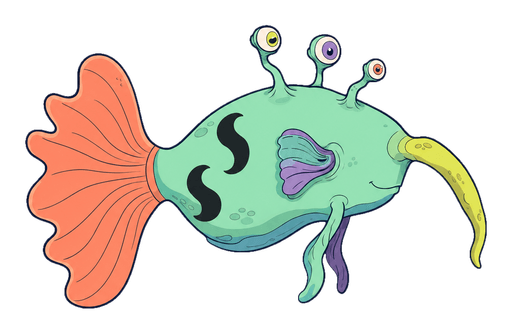
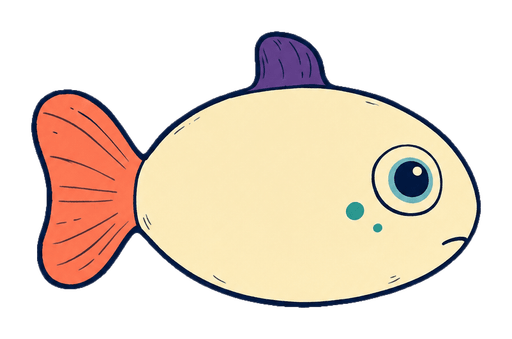
The cheerful one
Plibble
A cheerful wobble-body that hums when food is nearby.
 XENOFINFLOTARIUM
A cozy alien aquarium
Xenofin Flotarium
Hatch alien creatures, feed them, and watch them grow. Collect new species and plants, expand their Habitats, or leave the aquarium running while you do something else.
Creature collecting Gentle progression Desktop companion

Hatch and collect Floaters
Raise them from Fry to Adult
Expand into new Habitats
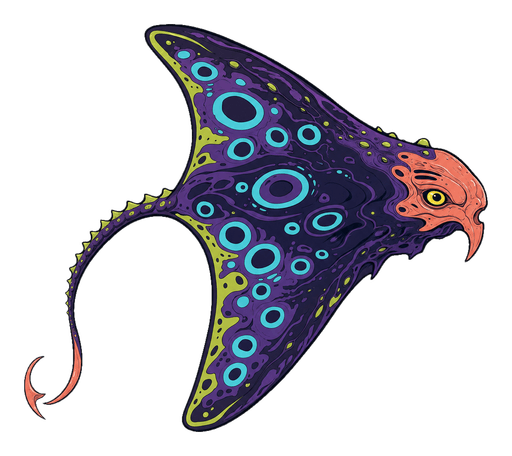
Some of the creatures you’ll find
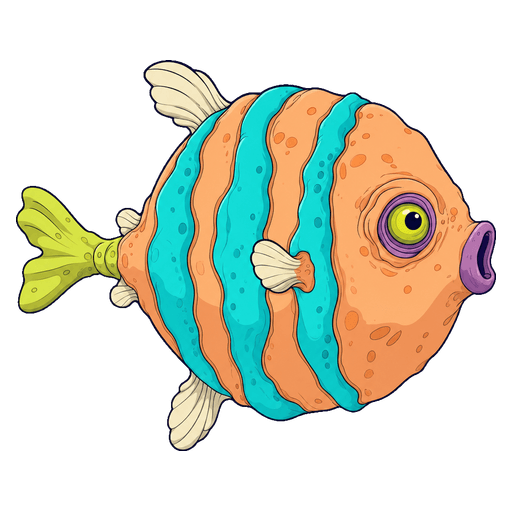
Each species has its own habits. Some school together, while others swim alone or stay near the seabed. You can name your favourites and follow them as they grow.
The cheerful one
A cheerful wobble-body that hums when food is nearby.
Better with friends
A plain little paddle-tail that sneezes in reverse.
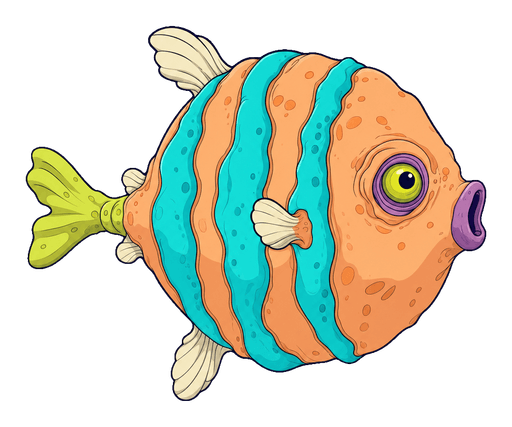
A little more to love
A mild reef puffer that inflates its striped flank bladders to hover through rough currents.
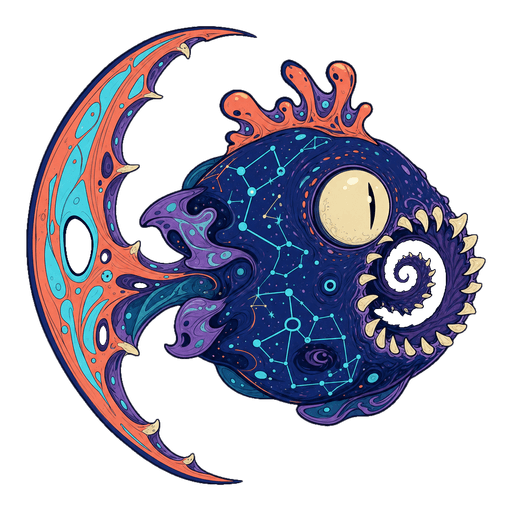
Cosmically hungry
A tiny migratory universe with a very large appetite.
Getting started
Start with a Habitat, add your first Floaters, and build up the collection from there.
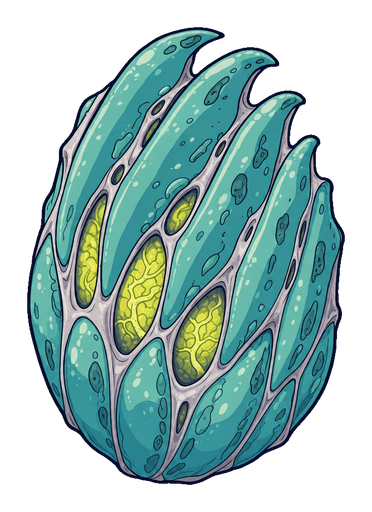
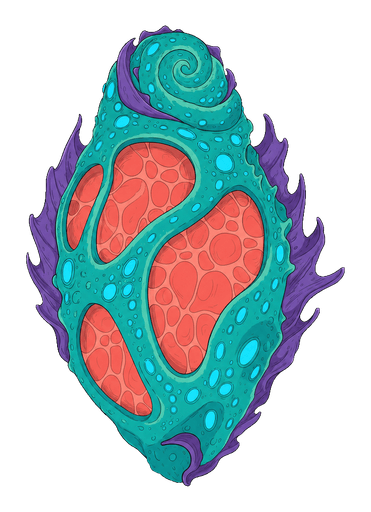
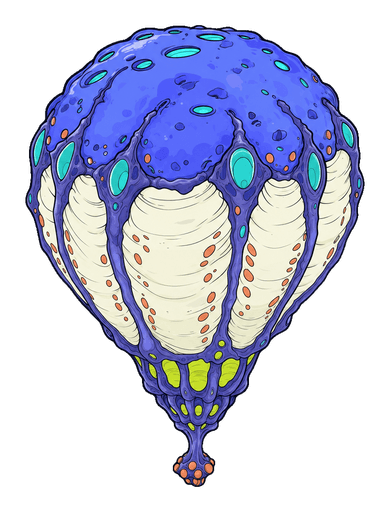 Different Clutches hold different possibilities.
Hatching
You won’t know exactly what’s inside until it opens. The Clutch you choose, the Habitat, and the season all affect what you can discover.
FryJuvenileAdultGrowth and care
Scatter food and use Focused Care to help a Floater grow. Keep an eye on your favourites as they get bigger, or let them settle into the aquarium at their own pace.
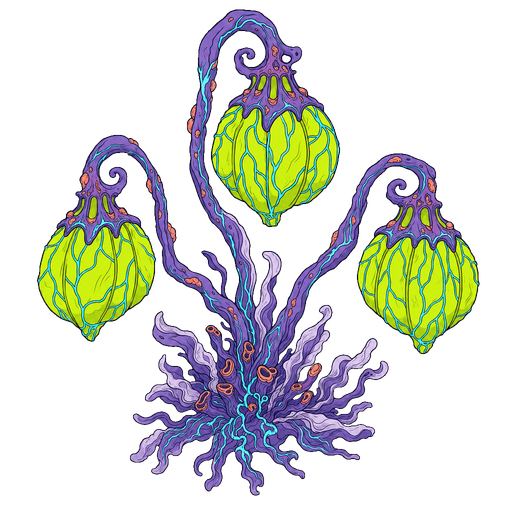
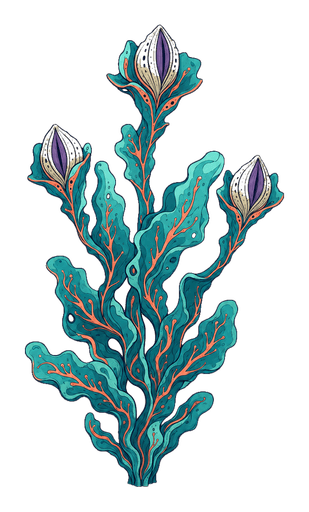 Three of the Flora species you can collect.
Flora and upgrades
Rooted Flora gives bonuses to growth and income. Floaters earn Bio Bits, which you can spend on Clutches, upgrades, and access to more Habitats.
Habitats
Move from shallow banks to grottos and crystal basins. Each Habitat has its own scenery, Flora, and native species to find.
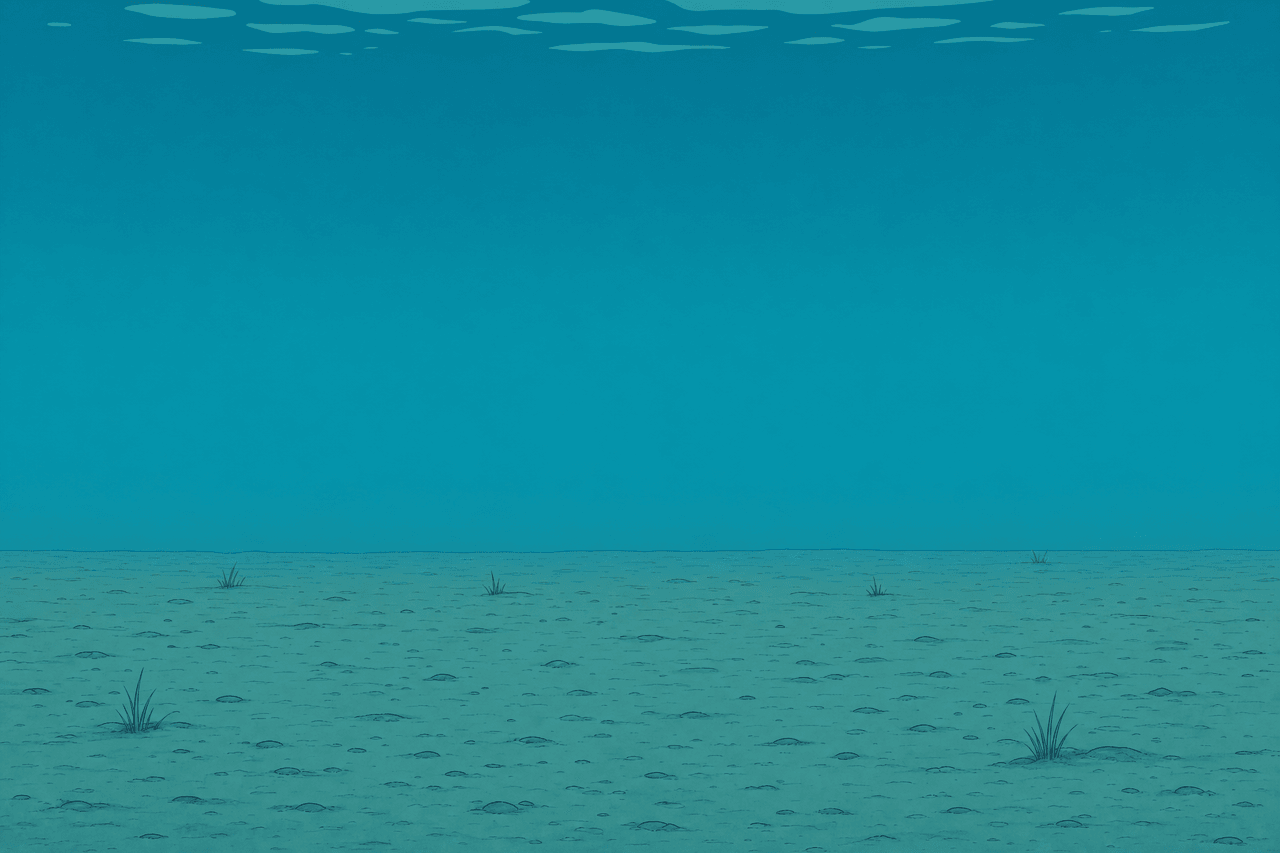
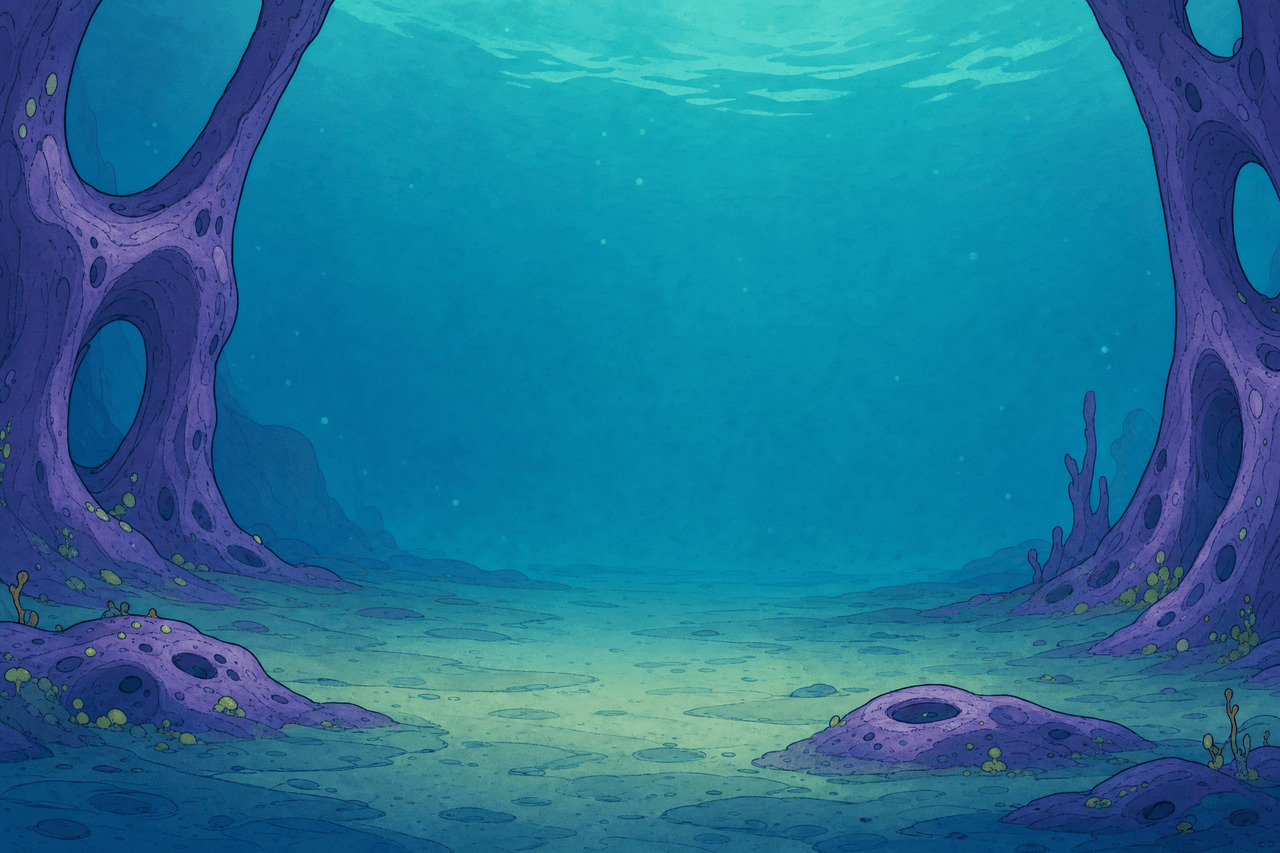
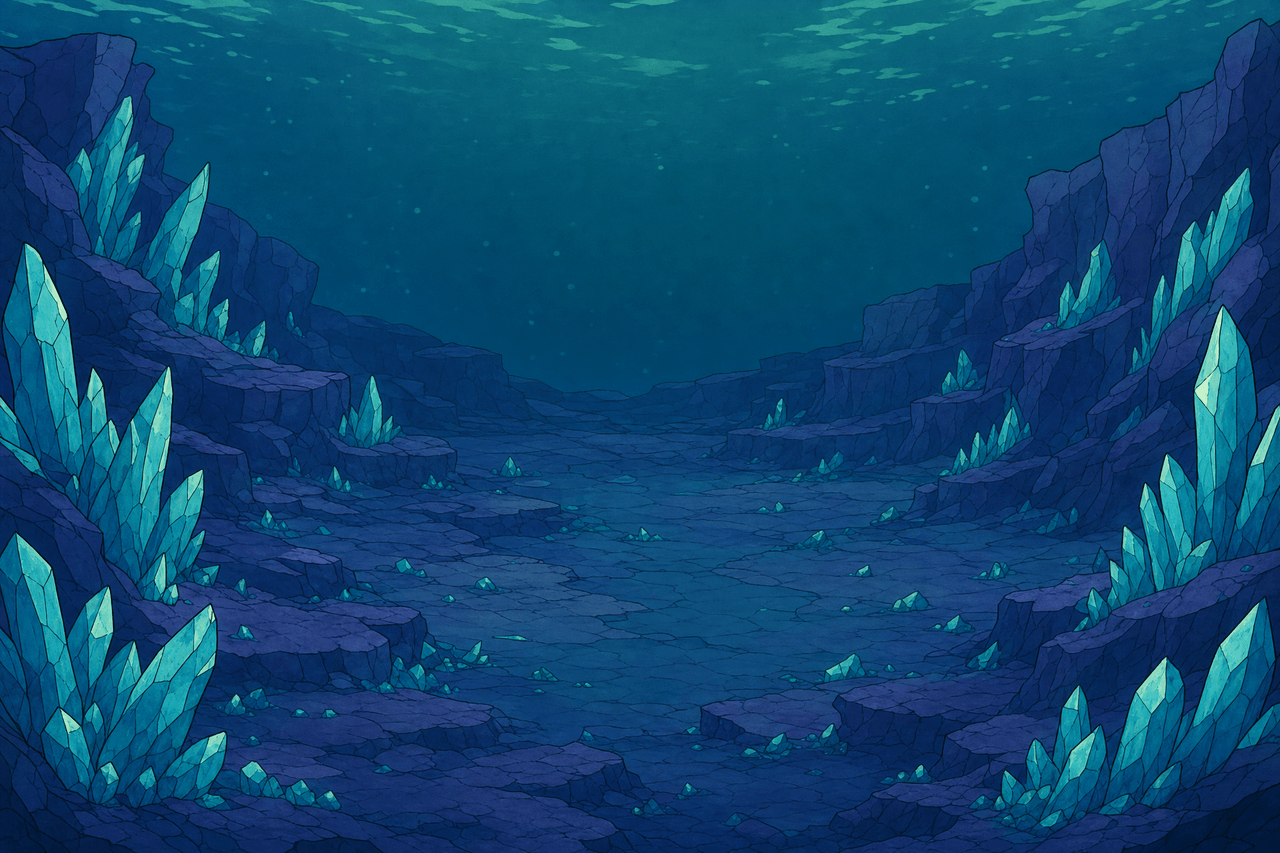
Habitat artwork from the game, shown here before adding Floaters and Flora.
Keeping track

Look up the species you’ve found and read about their traits and lore.

Follow Tasks, pin a goal, and earn permanent rewards as your collection grows.

Improve feeding, growth, and income to support a larger collection.

Unlock automation and offline progress so the aquarium can keep earning while you’re away.
Desktop view
Play in fullscreen or use the desktop game’s always-on-top Mini View to keep the aquarium in a corner of your screen.
Desktop feature illustration using game artwork.
Before you dive in
The demo is on itch.io. It includes a selection of Floaters, Clutches, and Habitats. This page covers the full game, which is still in development. A Steam link will be added when it’s available.
Yes. Habitats can earn offline income, with upgrades extending how much time that covers.
Yes. You can share and monetize gameplay videos and streams, including the game’s music and sounds.
Try it on itch.io
Hatch a few Floaters and try the aquarium in the demo.